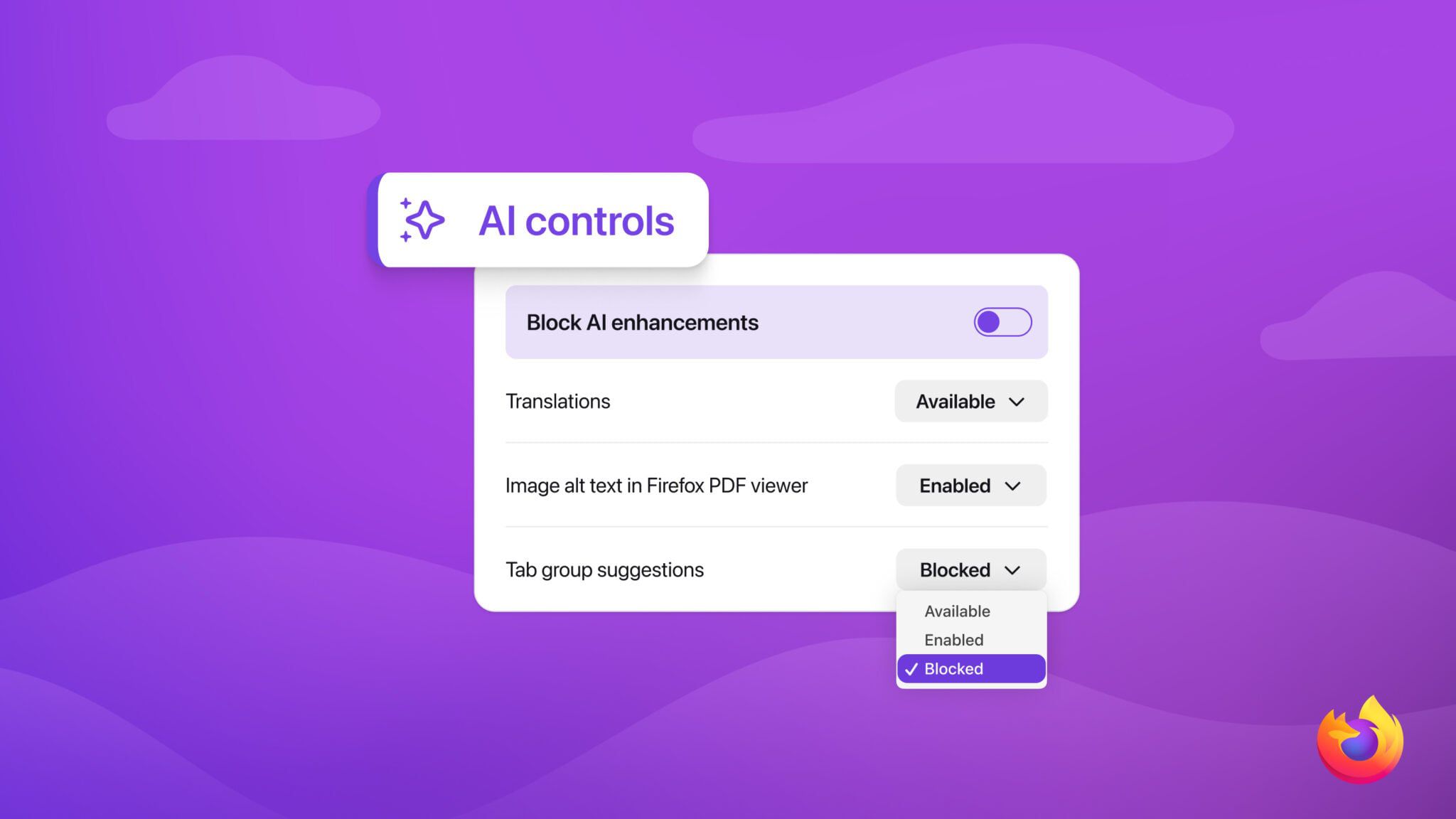
Firefox has been steadily adding AI-assisted conveniences (local-ish translation, an optional sidebar chatbot, smart tab grouping, link previews). Mozilla’s latest move is a set of controls that makes those features explicitly optional: a single “Block AI Enhancements” toggle, plus per-feature switches for translation, PDF image descriptions, AI tab grouping suggestions, link preview summaries, and the sidebar chatbot.
The interesting part isn’t the feature list, it’s the product stance. Mozilla is trying to avoid the “AI creep” feeling by letting people opt out up front, including future AI additions and any prompts nudging you to try them. That’s notably different from burying settings behind an “advanced” menu: if you flip the main toggle, Firefox should stop showing reminders, popups, or onboarding flows for AI features.
The rollout is expected with Firefox 148 (Mozilla says it starts rolling out February 24), and the sidebar chatbot can be pointed at multiple providers (including ChatGPT, Claude, Copilot, Gemini, and Le Chat Mistral) if you do want that workflow.